

FLUX 3 Image: generate, edit, and place every element
Write a prompt, change one detail and keep the rest, or combine up to 10 reference images. Place each element with a box in the generator below. This page is an independent guide, not the official Black Forest Labs page.
What FLUX 3 Image does
Use a prompt, change one part of an image, combine references, or place an element in a set spot.
Start from a prompt
A prompt is the only required input. Describe the subject, the setting, the light, and any words that should be readable.
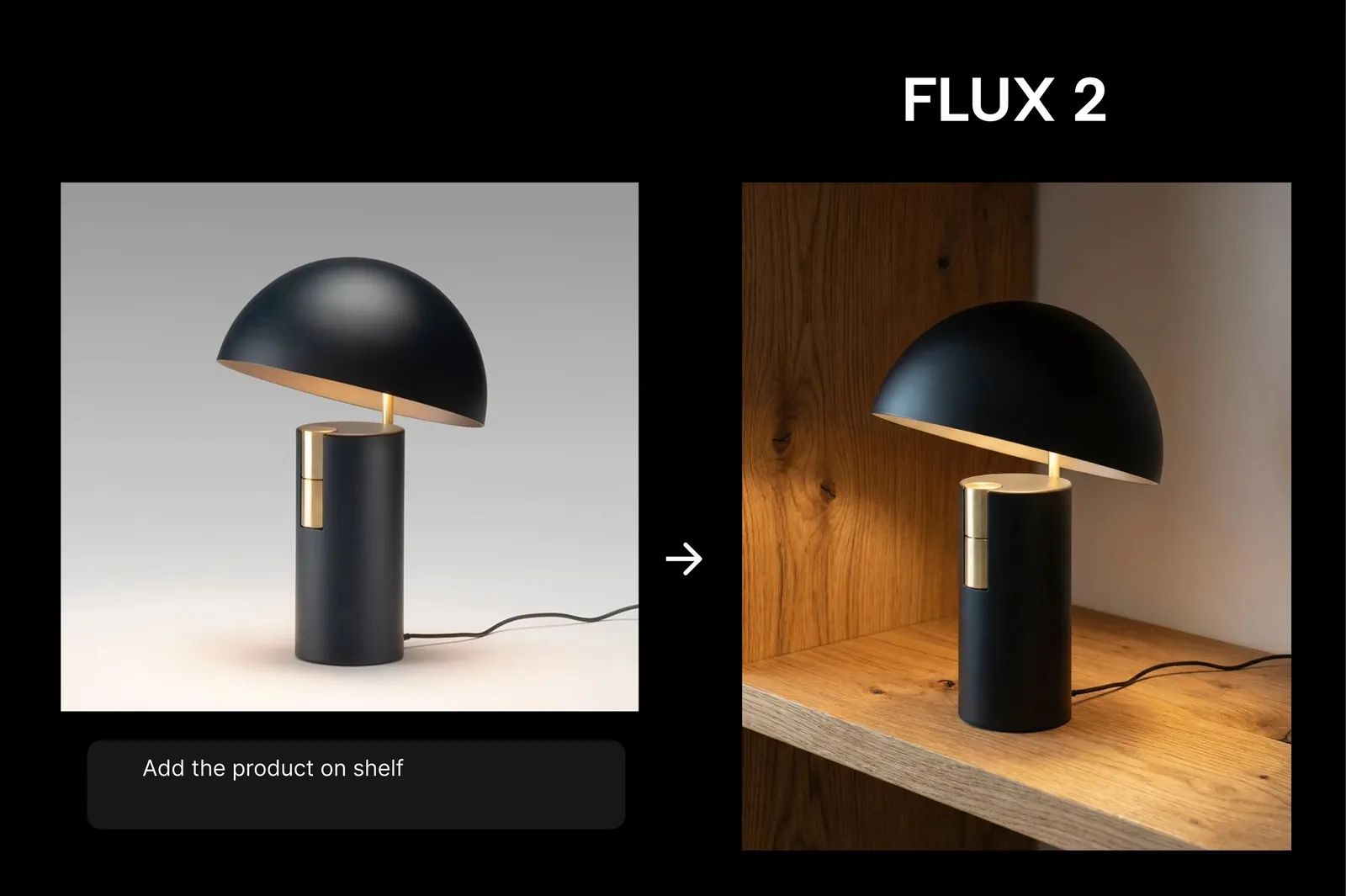
Change one detail
Name the part to recolor, replace, move, or remove, and say that the rest of the image stays as it was.
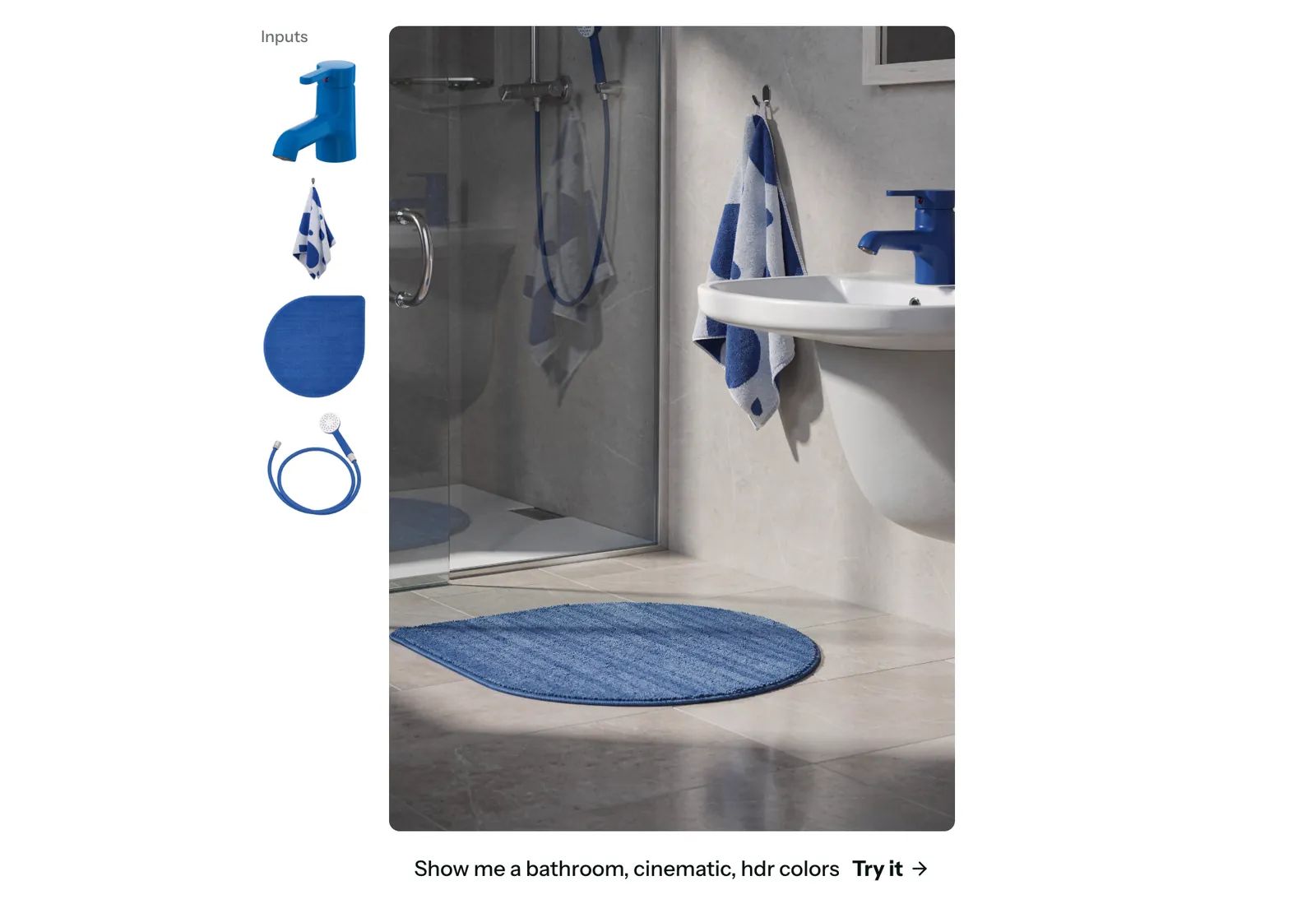
Combine up to 10 references
Add up to 10 images. In the prompt, image 1 is the first image you added. Say what each one contributes, such as the scene, the product, or the face.
Place an element with a box
To control placement, add an element list at the end of your prompt, with a name, a description, and a box for each element. The box is top, left, bottom, and right on a 0 to 1000 grid. Repeat that name in the sentence, written as <name>, so the box belongs to that element. Match the frame shape to the boxes you planned. The steps below include a complete writing example.
Choose a size from a draft to 4K
Five sizes are available. 768sq is for fast drafts while the prompt is still changing. 1k is the default for most web and app images. 1.5k sits between that default and 2k. Use 2k for print, hero images, and crops that need detail. 4k is the largest, and it can take several minutes. A prompt is enough to generate. Pick a wide, square, or tall frame, such as 16:9, 1:1, or 9:16. With Auto, a ratio specified in your prompt takes priority. Otherwise, the image follows the first reference, or defaults to square when no reference is supplied.
How to use FLUX 3 Image
Generate a new image, edit one detail, or place elements from references.
Select FLUX 3 Image
Open the generator and select it before you write.
Write the prompt
For a new image, describe the subject, the place, and the light. For an edit, say what to replace and that everything else stays unchanged.
Add references or boxes
Add up to 10 images in the order you will cite them. Use image 1 for the first. To control placement, add an element list at the end of your prompt, with a name, a description, and a box for each element. Use that same name in the sentence.
Writing example, not a tested result:
A white mug <mug_1> sits on the left of a pale wooden table <table_1>.
[
  {"id": "table_1", "bbox": [500, 0, 1000, 1000], "desc": "a pale wooden table filling the lower half"},
  {"id": "mug_1", "bbox": [280, 80, 700, 380], "desc": "a white ceramic mug, seen from the side"}
]
FLUX 3 Image and FLUX.2 Pro
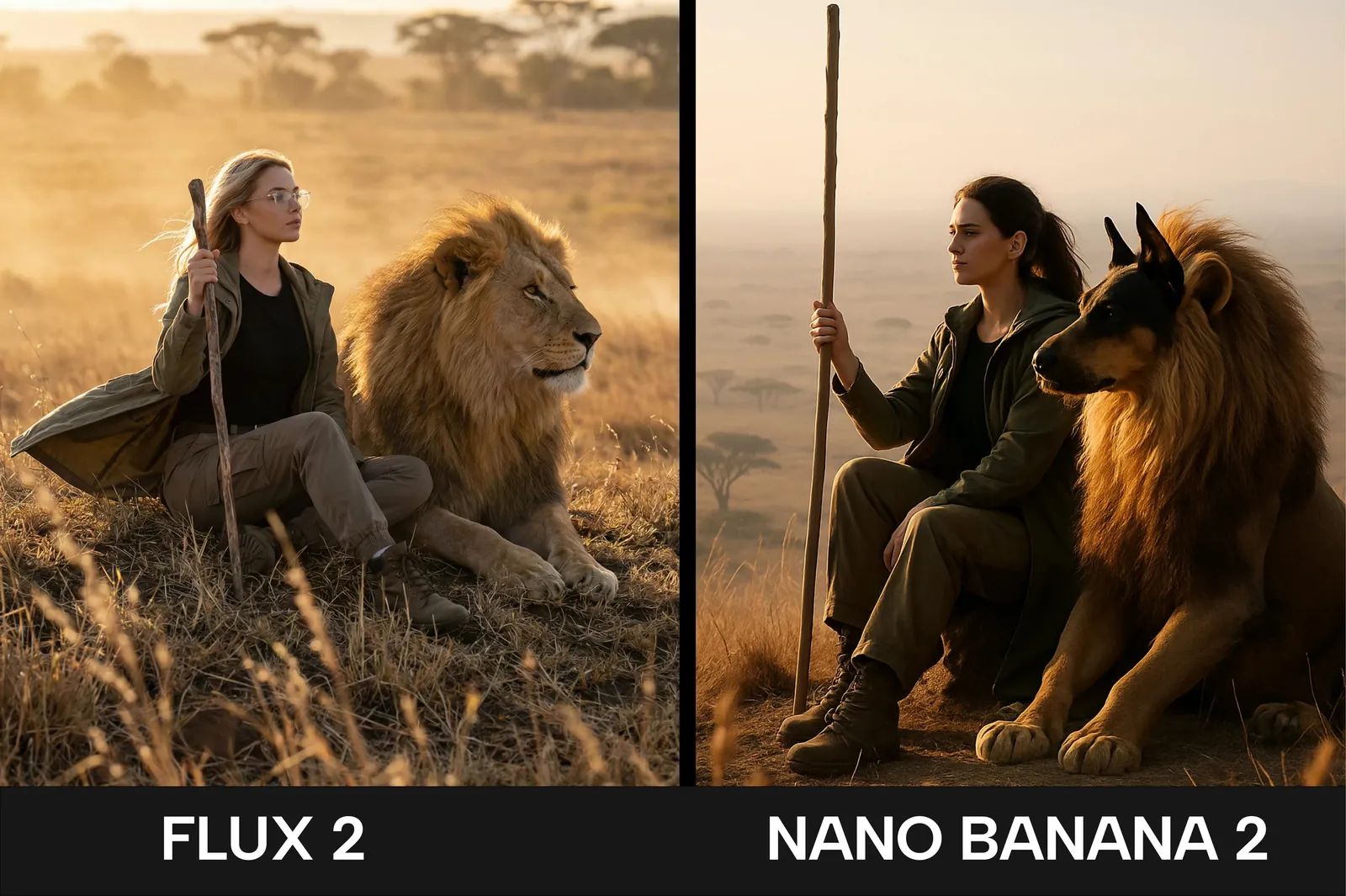
FLUX 3 Image is the still-image model: a prompt, a local edit, up to 10 references, and boxes for placement. The homepage is the FLUX.2 Pro studio, where the current generator accepts up to 8 reference images. What Is FLUX 3 introduces the wider family, including video. Stay with still images here.
Questions about FLUX 3 Image
Reference limits, sizes, and how this guide relates to the family article.
Start with FLUX 3 Image
Write a prompt, or bring references and mark the one detail you want changed.